
Start from a template
Prebuilt studies for the common jobs: website usability, prototype validation, first impressions, card sorts, and more.
Templates are prebuilt studies you can start from instead of a blank builder. A template pre-fills blocks, tasks, and questions with sensible wording — everything stays fully editable afterwards, and nothing about a template is special once the study exists.
The template gallery
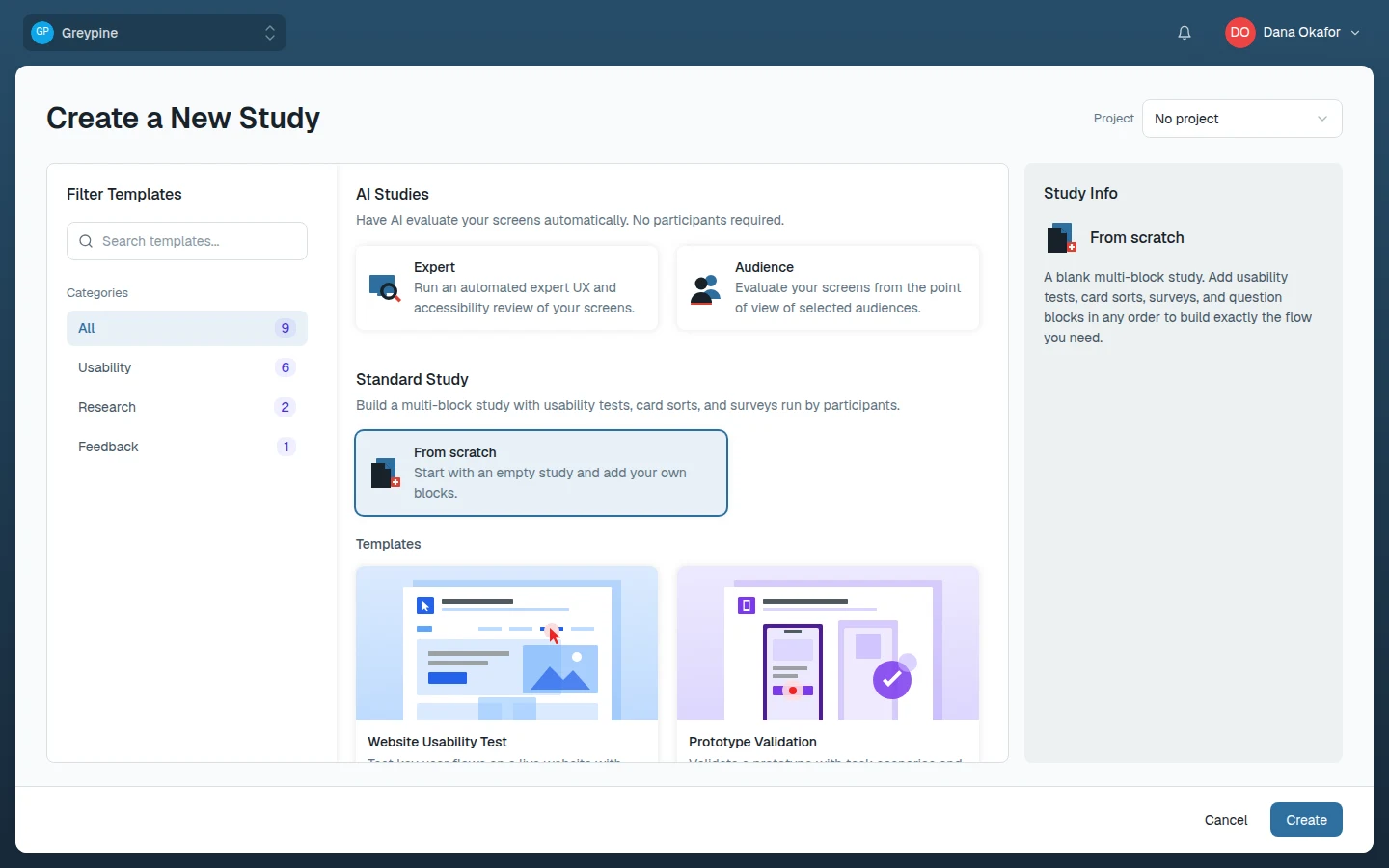
Templates sit under Templates on the Create a New Study page, next to the From scratch option. Search them, or filter by category:
- Usability — Website Usability Test (navigation tasks plus an open response on a live site), Prototype Validation (Figma prototype tasks followed by a rating-and-choice survey), First Impression Test (questions first, then a short task), Onboarding Flow Test, Feature Concept Test (initial reaction, a prototype task, then post-task feedback), and Competitive Benchmark.
- Research — Card Sort Study and Information Architecture Review for structure and navigation questions.
- Feedback — Product Feedback Survey.
Select a template to see when to use it and its included blocks in the Study Info panel.
Working with a template
- Choose New Study, pick a template instead of From scratch, and choose Create.
- Give the study a name — it starts as "New Study".
- Replace the placeholder wording: point usability tasks at your URL or prototype, swap the example cards and options for your own.
- Delete what you don't need. A template is a starting point, not a contract.
You can also apply a template to a study that already exists: choose Templates in the builder toolbar. Applying one replaces all of the study's blocks — you're asked to confirm first — but keeps its title and description.