
The community forum
Ask questions, share how you run research, and search past answers in the public CustomTester forum.
The community forum is a public space for questions and discussion about CustomTester and UX research in general. Reading is open to everyone; posting uses your CustomTester login — no separate account needed, and logging in from a forum page returns you to where you were.
Posting
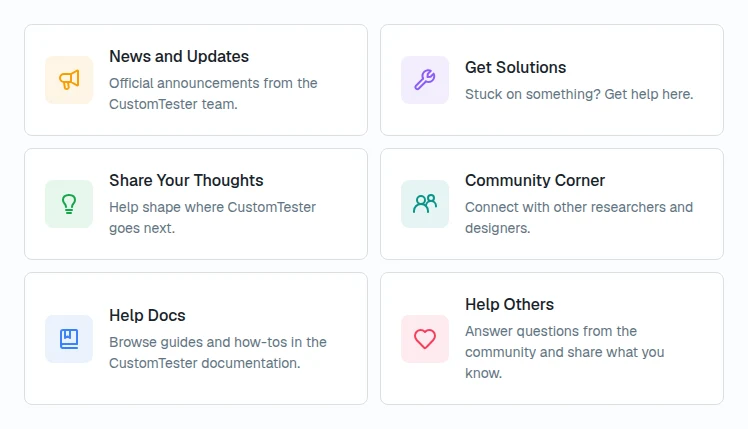
Topics live in categories, grouped into sections such as Get Solutions (Report a Problem, Ask the Community), Share Your Thoughts (Suggest a Feature, Share Your Feedback), and Community Corner. Choose Create topic, give it a title, pick a category, and write the body. Reply to an existing topic with Post reply.
The composer supports bold, italic, links, bulleted lists, and images (PNG, JPG, or GIF up to 5 MB). Type @ to mention someone who has already posted in the topic.
Official announcements and release notes appear under News & Updates on the forum home, and Help Others lists community questions still waiting for answers.
Asking a good question
- Search first — many setup and how-to questions already have answers.
- Pick the category that matches your topic.
- Describe what you tried and what you expected; screenshots help.
- One question per topic keeps answers findable for the next person.