Welcome and thank-you screens
The first and last thing testers see: what each screen is for and how to write them.
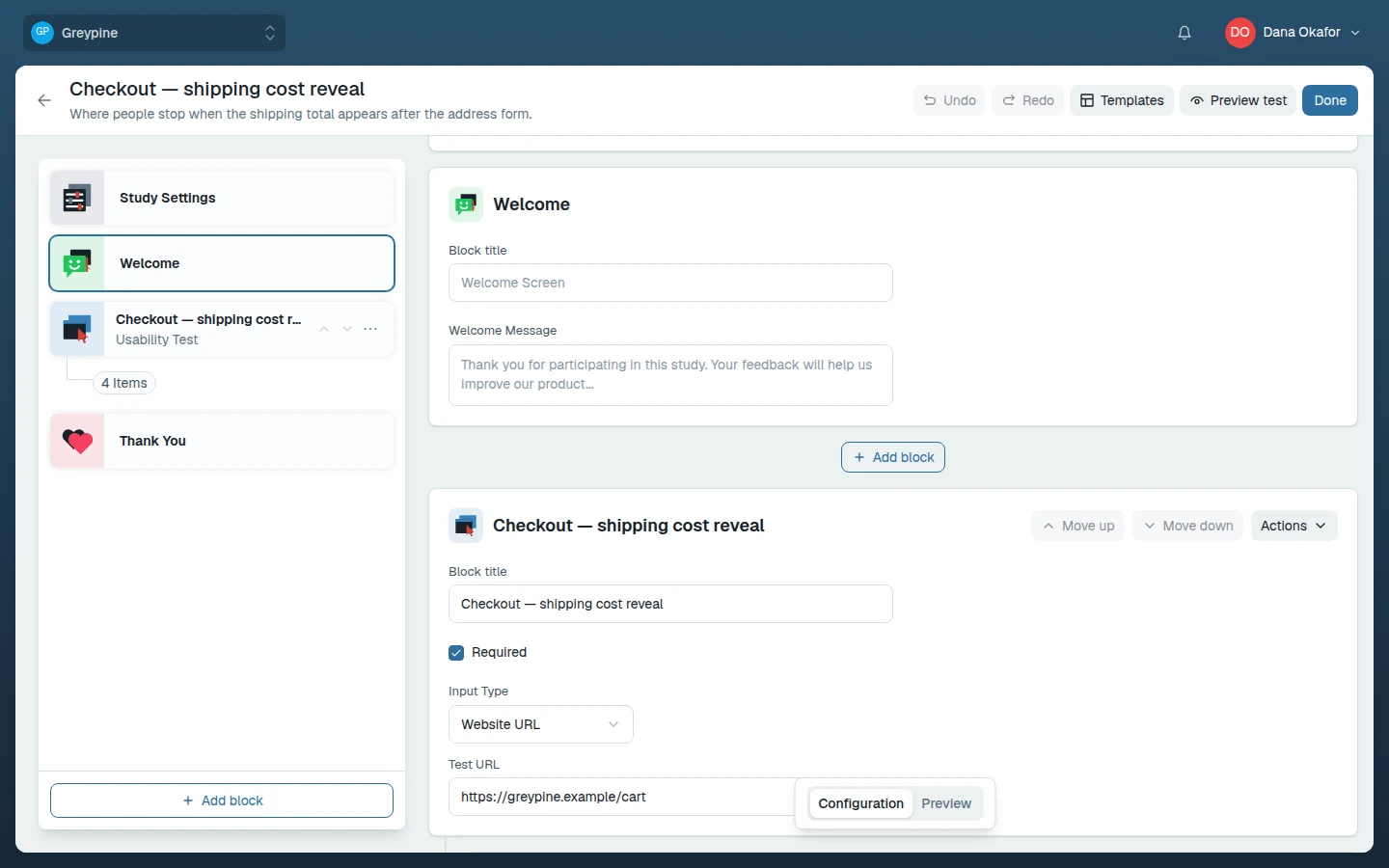
Every study wraps its blocks in two study-level screens: a welcome screen before the first block and a thank-you screen after the last. Select Welcome or Thank You in the builder's rail to edit them. Both have an editable title and message, and both auto-save as you type.
The welcome screen
The welcome screen is the tester's first contact with your study. It should answer three things in a few sentences:
- What kind of activity this is ("you'll try a few tasks on a website and answer some questions").
- Roughly how long it takes.
- That there are no wrong answers — you're testing the product, not the person.
If the study contains a usability test block (the block type that records screen and microphone), the recording setup step follows the welcome screen, so the welcome text is also the right place to mention that recording will be requested and why.
The thank-you screen
The thank-you screen confirms the session is complete — it's shown after the last block, once recordings have uploaded. Keep it short and warm; if you plan follow-up rounds, this is a good place to say so.