
Card sort blocks
Open, closed, and hybrid card sorts: define cards and categories, write instructions, and read the agreement results.
A card sort gives testers a set of cards to sort into categories — the standard tool for information-architecture questions: navigation structures, menu labels, feature groupings.
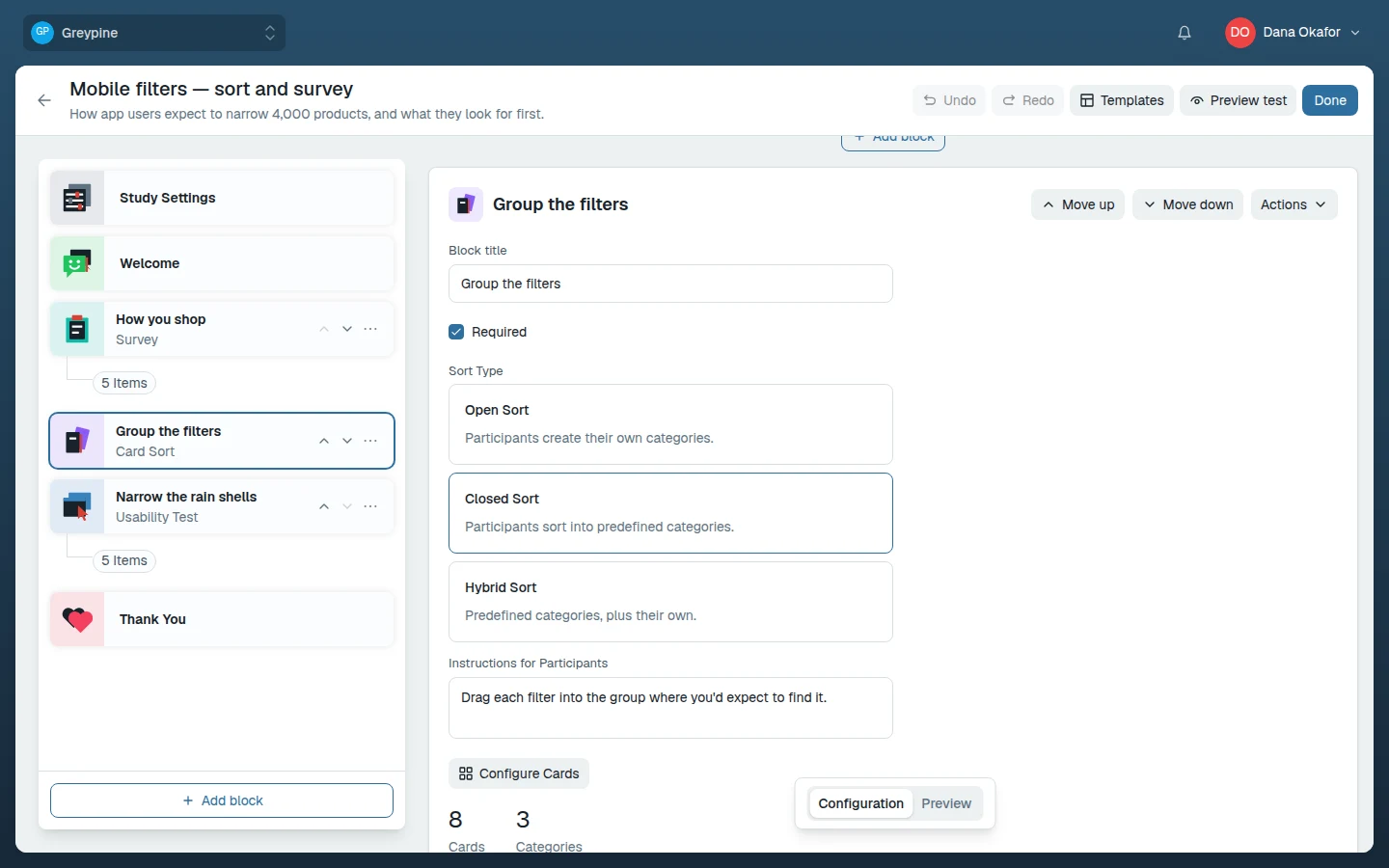
Sort types
| Type | Cards | Categories | Use when |
|---|---|---|---|
| Open Sort | You define | Testers create and name their own | You want to learn the mental model from scratch |
| Closed Sort | You define | You define | You're validating a structure you already have |
| Hybrid Sort | You define | You define some; testers can add more | You have a draft structure but suspect it's incomplete |
Pick the type under Sort Type in the block's settings.
Cards
Add cards with Add card; each card has a label and an optional description. Testers see only the label — the description is for you and your team. Keep labels short and concrete — testers sort what the label says, not what you meant by it. If a card needs a paragraph of explanation, it's probably two cards.
Aim for 20–40 cards in an unmoderated sort. Below that, patterns are noisy; above that, testers fatigue and the tail of the sort gets sloppy.
Categories
Closed and hybrid sorts also define categories with Add category, each with a label and optional description. An open sort has no predefined categories — testers name their own groups, and those names are themselves a key result.
Instructions
The Instructions for Participants field is shown to testers above the sort. State what the cards represent and what "belongs together" means for your question — "group these by where you'd look for them in a menu" produces different sorts than "group these by how related they feel".
Reading the results
The block's results aggregate across testers: the number of responses, the number of categories, and a Category Agreement breakdown listing each category with the cards placed in it and the percentage of testers who put each card there. High-agreement placements are your structure; cards that scatter across many categories are the labels to rethink. See Review results.
Validation
Launch is refused while the block has no title or no labeled cards. Make sure every card has a label too: an unlabeled card can't be meaningfully sorted. See configuration errors.