
Evidence
Store research findings as durable evidence items, linked to the audiences, products, and competitors they're about.
Evidence items are your workspace's long-term research memory: individual findings written down once and linked to what they're about, instead of living in slide decks nobody reopens. AI features read evidence as context, so a well-kept evidence base means the AI argues from your research, not just general principles.
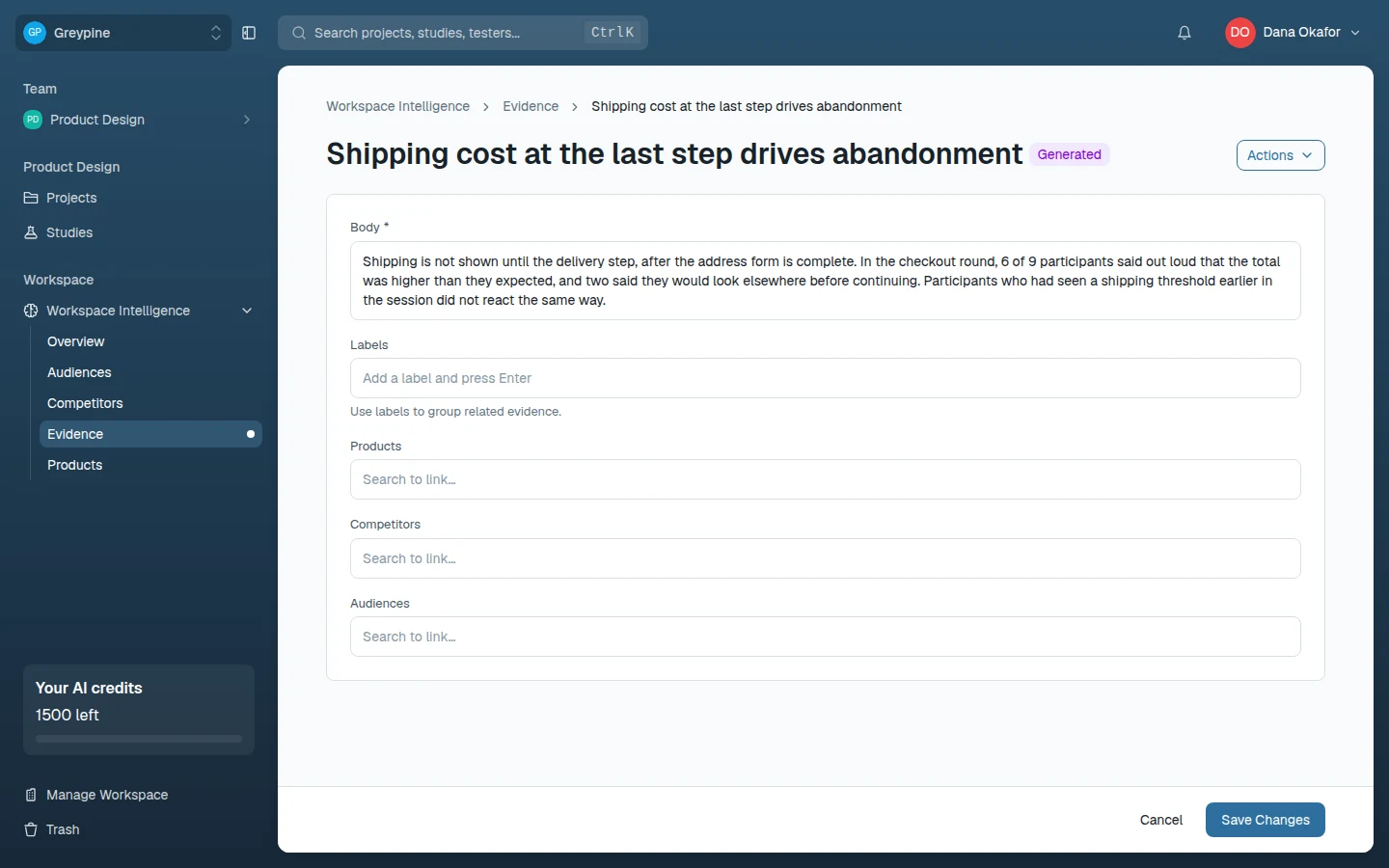
What an evidence item holds
- Body (required) — the finding itself, in plain text. Write it self-contained: what was observed, in what context, and what it implies.
- Name — optional. Left blank, the name is generated from the body's first line, so a body that opens with a crisp one-line finding names itself.
- Labels — free-form tags for filtering ("onboarding", "pricing", "2026-q2").
- Links — typed references to the audiences, products, and competitors the finding concerns. Links only accept active items.
Writing evidence that stays useful
- One finding per item. "Users misread the pricing table and distrust the checkout" is two evidence items with different links.
- Lead with the conclusion — the first line becomes the default name and is what everyone scans.
- Link generously: the links travel with the finding into AI context, so the AI knows which audience, product, or competitor it's about.
Where evidence comes from
Any confirmed learning is a candidate: session observations and study evidence worth keeping beyond their project, validated AI-study findings, competitive research, support themes. The bar is "would a teammate act differently knowing this?" — if yes, it's evidence.
Generated and project evidence
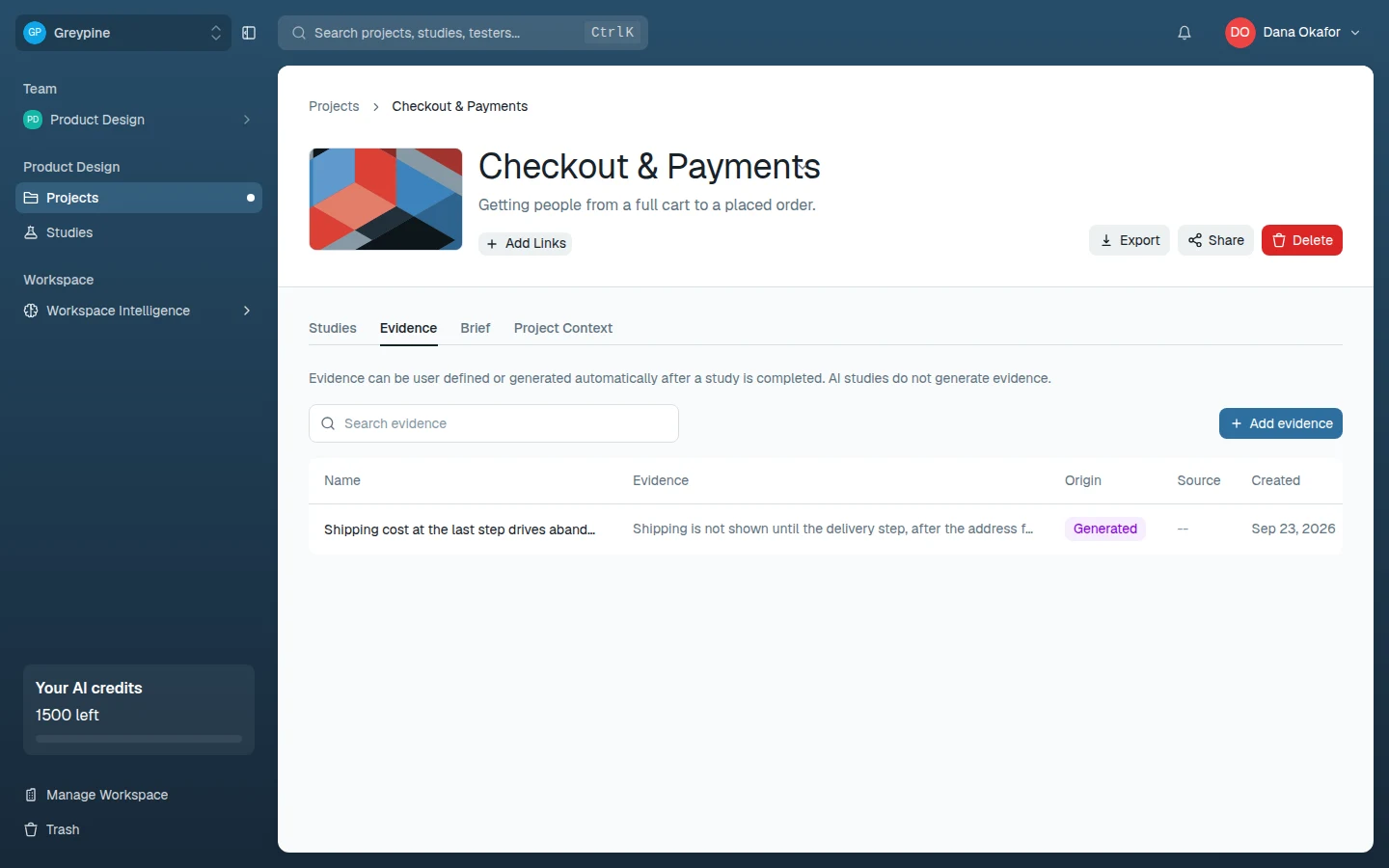
Evidence also lives on each project's and study's Evidence tab. When a study's sessions are analyzed, CustomTester generates evidence automatically (AI studies don't generate evidence); it lands on the project's Evidence tab — or the study's, for a study outside a project — marked Generated. You can add your own evidence there too.
Project and study evidence stays out of the workspace library until someone uses Add to workspace evidence, which makes it workspace-wide like any other evidence item.
Related docs
- Workspace Intelligence and audiences
Give the AI features durable context about your product, competitors, target audiences, and research evidence.
- Review results, evidence, and recordings
Where session results live, how to read per-block responses, watch recordings, capture evidence, and export your results.
- Audiences
Describe your user groups in structured sections — built by hand or extracted from uploaded persona documents — and power audience-mode AI studies.